Free guide · 16 pages, with worksheets
Get AI working across your whole team, not just one or two people
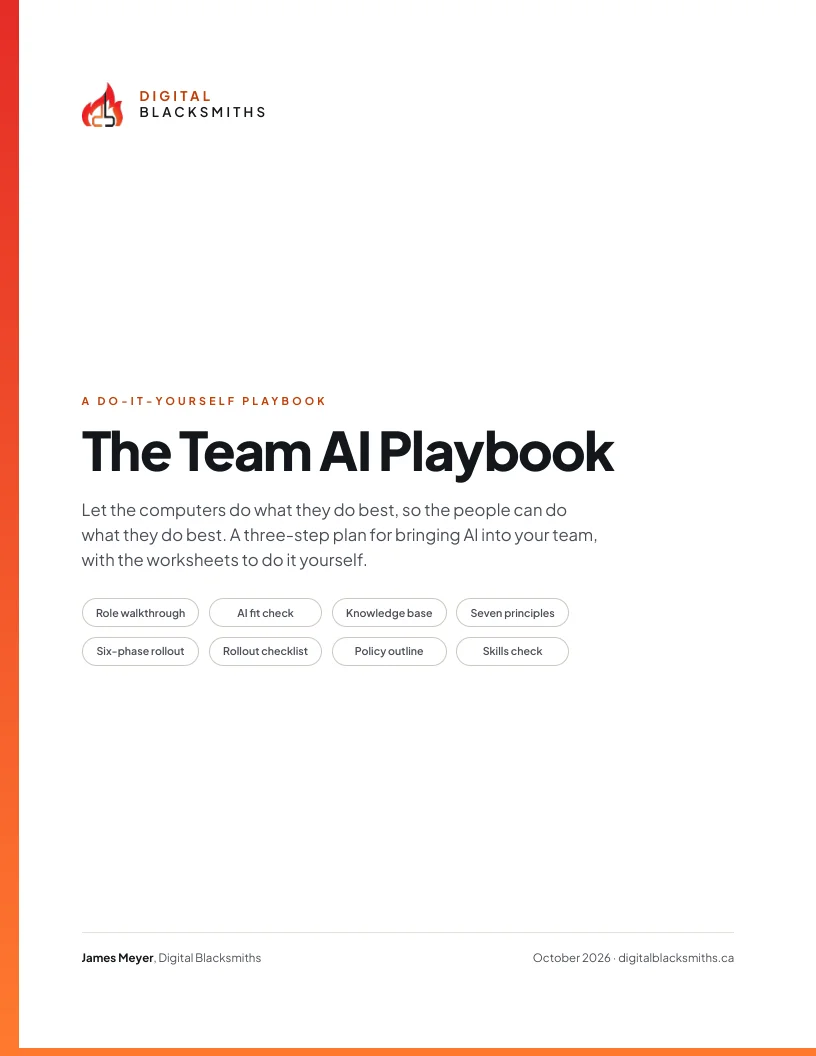
The Team AI Playbook is a three-step plan for bringing AI into your team while keeping control of your data and your work. Use it on your own; you don’t need us to get value from it.
Where you’re starting
More productive people don’t automatically add up to a more productive team
Most teams are in one of three places
- Nobody uses AI yet, and you want to start well.
- One or two people do, and you want to expand it without losing control.
- Many people are using AI: private prompts, private workflows, and two people solving the same problem twice.
And it feels like being caught between fears
- Falling behind on AI while everyone else moves ahead.
- Moving too fast and getting overrun by it: runaway tools, runaway costs.
- Proprietary or customer data ending up somewhere it shouldn’t be.
- Low-quality, made-up or plain wrong answers reaching your customers with your name on them.
Adopting AI shouldn’t mean losing control of your data or your team’s work.
If nothing changes
None of it is a disaster on day one; it compounds
- Know-how walks out the door when someone leaves; their prompts and setups lived in their own account.
- Each person’s AI writes in a different voice, from different facts.
- You pay for overlapping tools while the hours they were meant to save never show up.
- When one bad answer or leaked file turns into a problem, nobody can say who used what, or why.
A little structure early saves untangling later.
The plan
Three steps, built for a controlled expansion
Walk through your roles
Sit down with each role, map the real work, and spot where AI can take the low-value work off a skilled person.
Set up the structure
Accounts, permissions, data rules and a short policy, so sharing is safe by default and risky actions stay with fewer people.
Pilot one AI-assisted role, then widen
Build the first assistant with the right permissions, train the person into an AI-assisted workday, then widen role by role.
How long it takes depends on your team, your tools and where you’re starting. A skills check at the back helps you decide what you can do in-house.
What’s inside
Worksheets you fill in with your own team
Role walkthrough
Sit with one person, follow a normal week, and find the low-value work AI can take off their plate. What stays with the person is written down too.
AI fit check
Three questions to run each idea through, starting with whether it saves more than it costs. If checking takes as long as doing, a person should keep doing it.
Knowledge base
How to give your AI one trustworthy place to look things up, so answers come from your documents rather than guesses.
Seven starting principles
Access by role, easy to create and careful to delete, nothing without a way back. Design choices you can adapt, not laws.
Six-phase rollout and checklist
From the first pilot role to widening across the team, in order, with what each phase needs.
Policy outline and monthly check-in
A short policy your team can actually find, and three questions to answer once a month: are people using it, is it saving them time, has anything gone wrong.
It won’t tell you to put AI everywhere. Not every task is a good fit, and the playbook says so when a person should keep doing the work.
Once it’s running
AI that helps your team, and stays under your control
- Your people spend their time on higher-value work; the low-value work is handled by AI and checked.
- Everyone’s assistant works from a single source of truth, and a good skill one person builds is soon in everyone’s hands.
- A new hire gets productive with AI quickly, inside the guardrails.
- Running it is a small part of someone’s job, not a full-time one.
The Team AI Playbook
Start with one role this week
Enter your email and we’ll send the PDF. Print Worksheet A and walk through one role with the person who does it.
Would it help to talk through where your team is right now? Book a 30 to 60 minute call; no cost, no deck, no obligation.